Creating a React project structure from scratch
Before we start building something, we first need to know what React is, for that we'll use the self ReactJS definition.
“React is a JavaScript library for building user interfaces.”
With React we can break our code into reusable components, making the code easy to scale and to maintain. This is just to briefly understand what's React.
How-to create a basic React project structure
First of all we need to create the directory our project will reside in.
mkdir basic-structure
After creating the directory, we need to use npm or yarn to initialize the project (we'll use yarn).
yarn init -y
This will create a package.json file that should look like this:
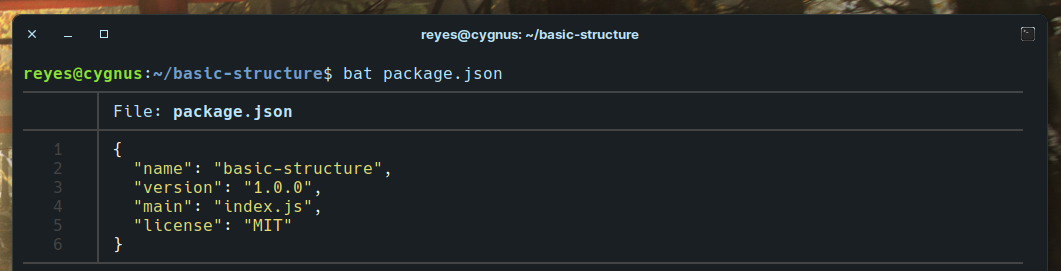
We'll use three dependencies: parcel-bundler, react and react-dom. Add this dependencies with your package manager.
yarn add parcel-bundler react react-dom
parcel-bundler is an application bundler, this will help us to translate React to JS using Babel under the hood. Also, with parcel we'll create a server to run our project.
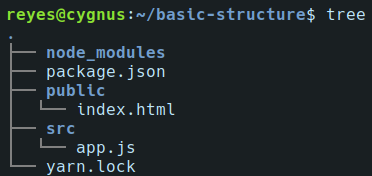
We can now proceed to create some directories. A src directory where all our source code will live, and a public directory where all our static files will be.
For our site to work, we'll need to have an index.html file that will be in the public directory, and for React to work we'll need to create the main app.js file under the src directory (it can have another name).
After all, we should have a project structure that looks like this:
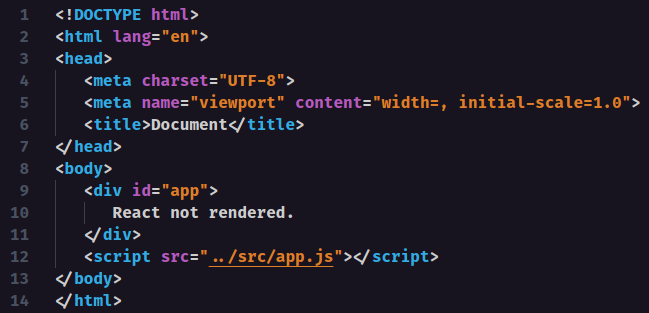
Now, we just need to create a basic HTML structure with a <div id="app"></div> inside the body. After the div we need to link the JS file using <script src="../src/app.js" />. This should look like this:
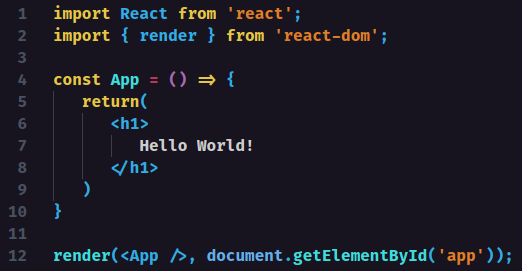
Next, we create our simple React.
Finally, using yarn parcel path/to/index.html (you can use npm too) we should see our project up and running.
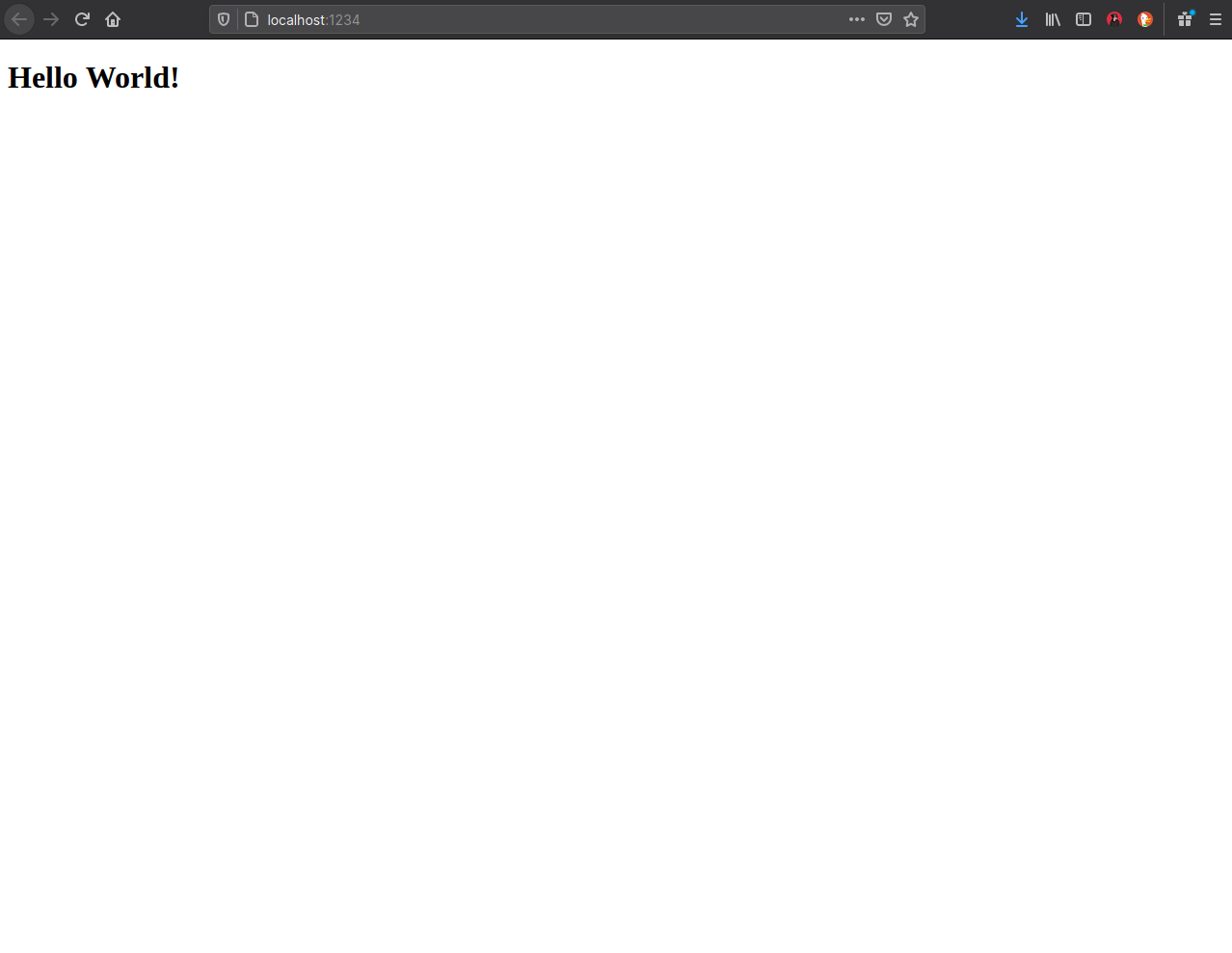
And that's it! We learned how to create a basic react project structure.